Building your first application
Kick-start your Pluxbox journey with this step-by-step tutorial! In the video, we will show how to create your first application in Pluxbox Platform.
You will learn:
- How to design a user interface in the workspace.
- How to create a database
- How to build logic
To recreate this example, copy this query and paste in the playground to create a new item in the collection:
mutation createItem {
collections {
item list {
create( item_list: {
title: “First item”
} ) {
title
}
}
}
}
Do you need more information? Go to Pluxbox Documentation
Share this tutorial
Back to overviewNever stop learning
 07:05
07:05
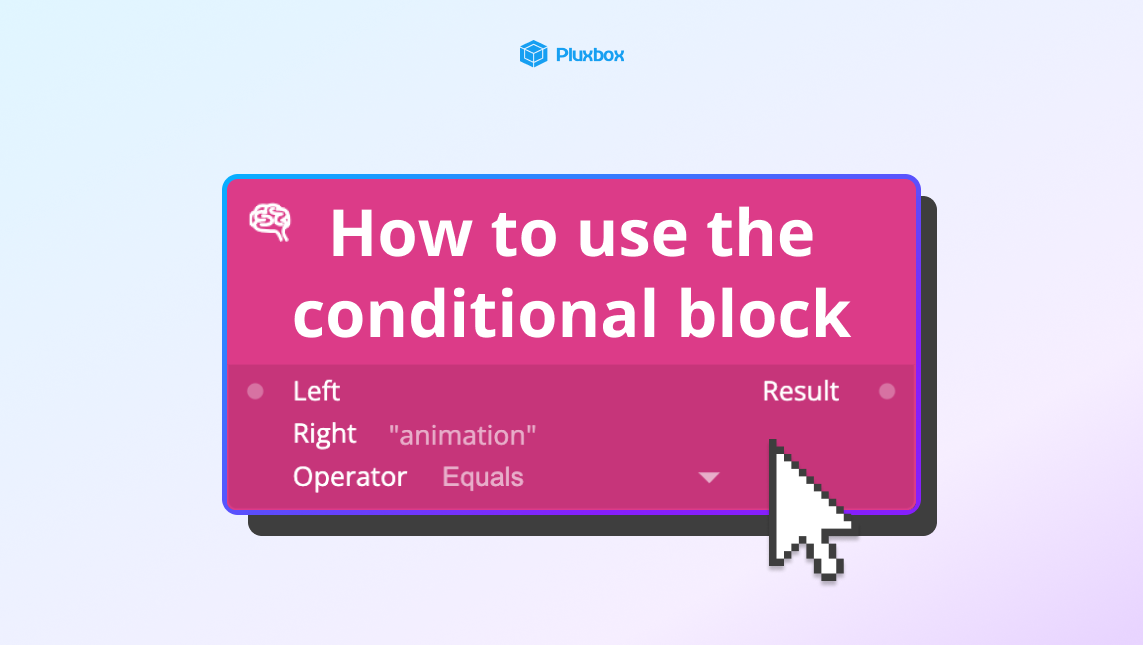
How to use the conditional block
Learn how to use the Conditional block to show movies in specific genres.
 01:51
01:51
How to use position constraints to align elements
Learn how to use position constraints to align elements within a layout effectively.
 01:58
01:58
What is Pluxbox Platform?
Get to know Pluxbox, a new way to optimise and reduce the application development lifecycle.
